
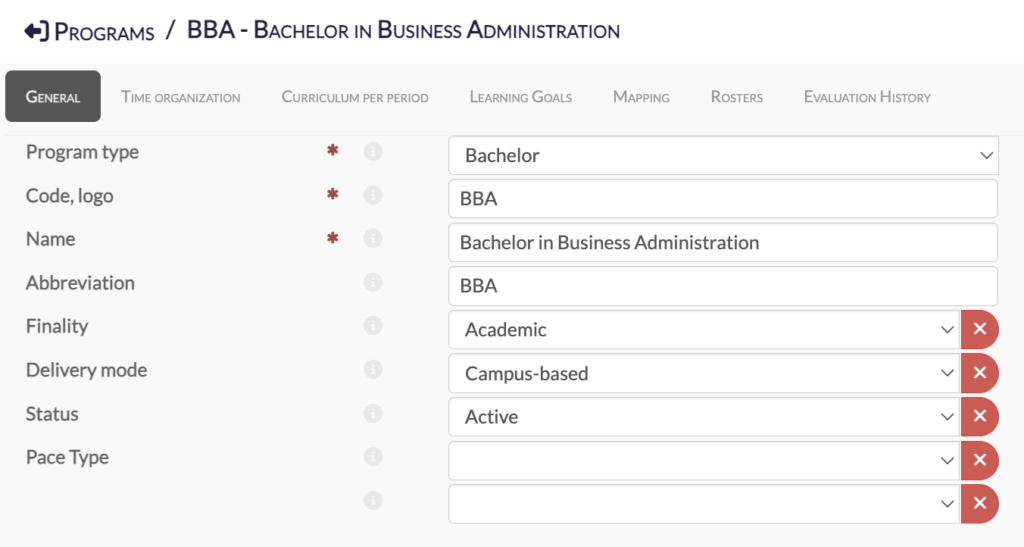
You will find the list of all your programs under the “Programs” menu, which centralizes all program-related information. This includes courses by time period, as well as linked learning goals, outcomes, evaluation criteria and results, all at the program level.
This is where you can also manage your AoL processes by adding your student roster (with the option to exclude or randomize students).
You can check evaluation history and see how results compare year over year (below, meets or beyond expectations) at the learning outcome level. You can add comments to support a continuous improvement loop and highlight areas to focus on the year after.
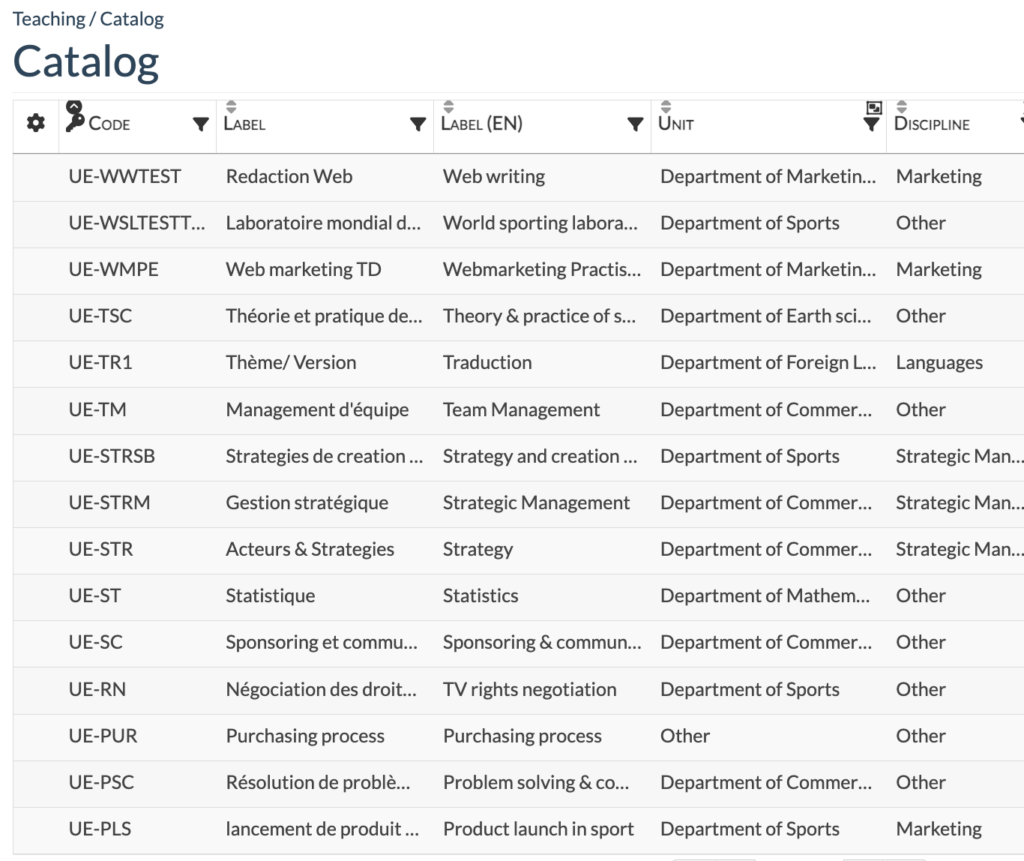
The course catalog provides an overview of all your institution’s courses, including their discipline, academic unit, number of hours and delivery mode.
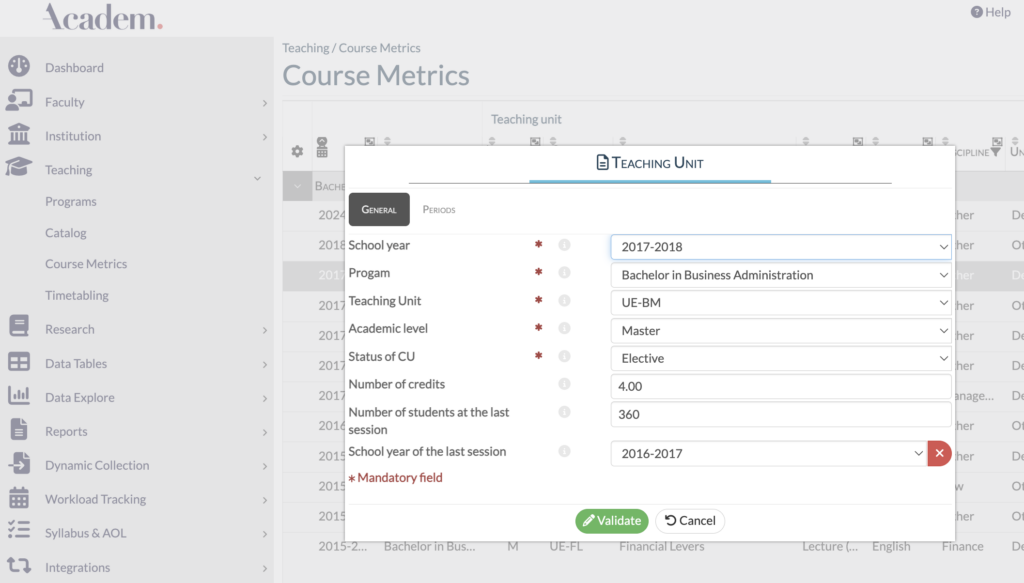
This is where all your course metrics are centralized, including details such as the number of credits for each course.
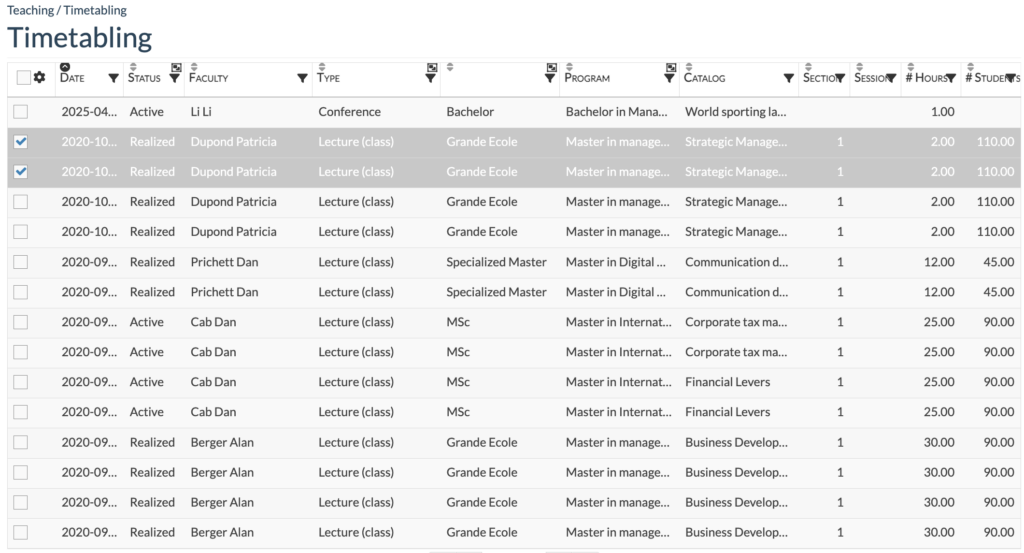
This menu brings together all the key information for each course taught by a faculty member.
You can see the course type (e.g.: lecture or case study), date, number of hours and number of students. This data is automatically calculated and transformed into the faculty’s pedagogical experience.