
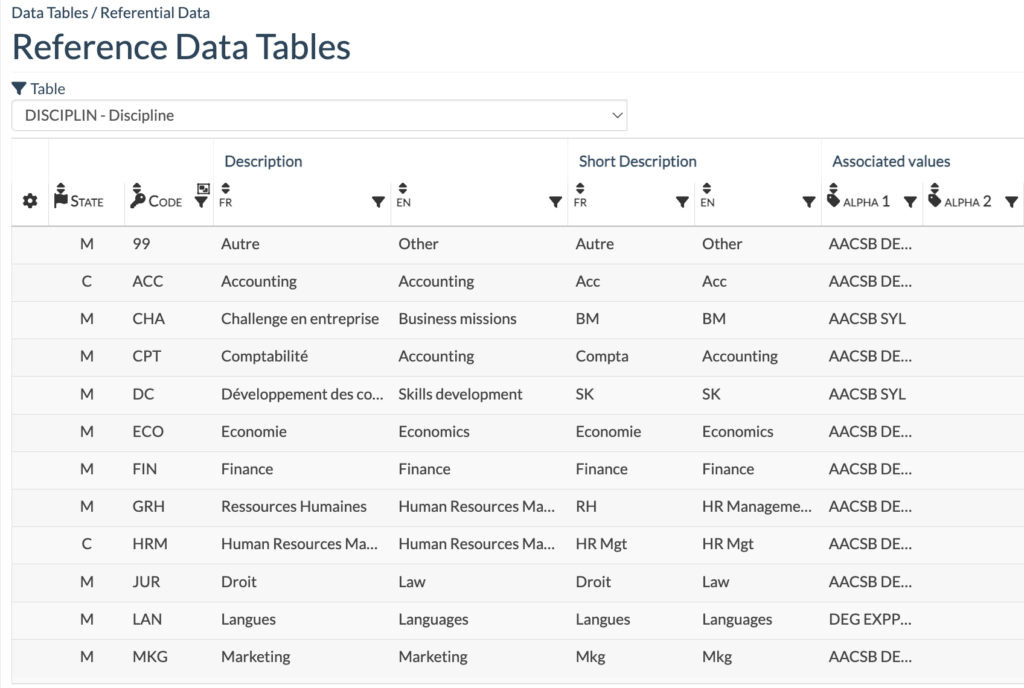
The Reference Data Tables help you structure and manage your data by defining the referentials to use for each context.
For example, you can set a discipline to apply for AACSB accreditation but not for EQUIS, all directly through this menu.
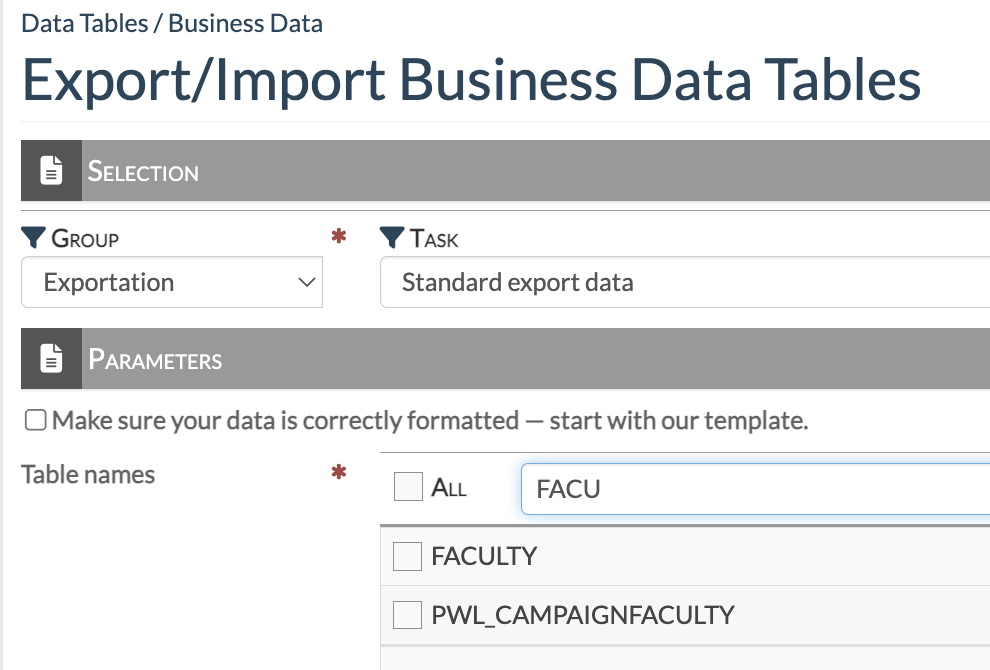
Academ offers several ways to manage and use your data, including exporting tables for analysis or updates, and re-importing them once changes are made
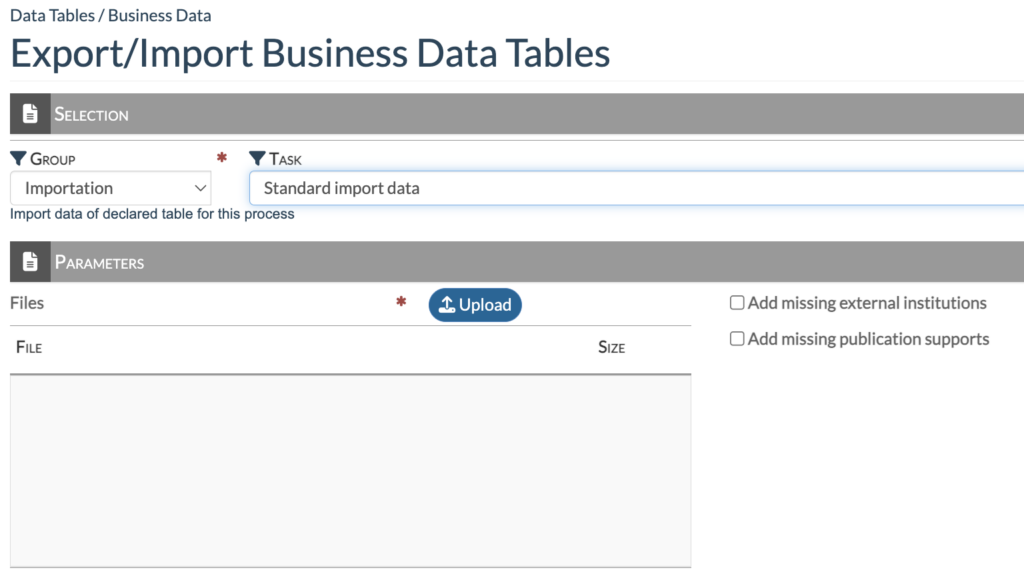
There are several ways to import data into Academ.
You can enter data directly through the screens, or for larger volumes, import multiple tables as long as your data is formatted for Academ.
For a more automated approach, we can set up a workflow that regularly pulls data from another system via a flat file on an FTP server, keeping Academ up to date automatically.
We also provide an API for faculty and contribution data.